

Coming into focus
Loading your next page.
FOR ALL YOUR “SAVE THIS FOR LATER” MOMENTS
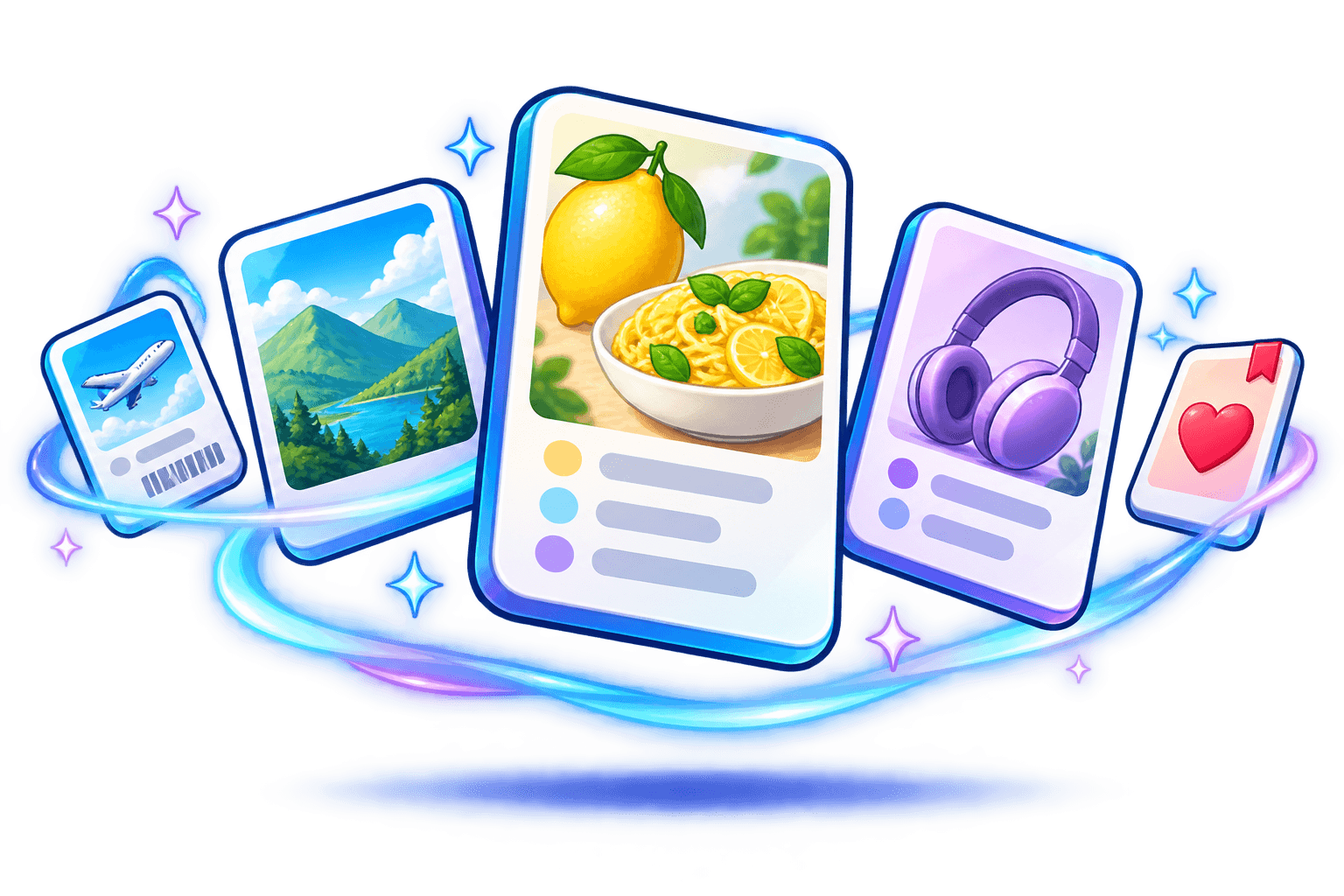
Recipes. Places. Things you’ll definitely remember later.
Give them a home. Find them with a few words.
Coming soon to iPhone and Android. Free to start · No account
Reads text on your device
Searches more than filenames
Free to start. No account.
The recipe. The weekend plan. That thing you wanted to buy. Your camera roll remembers everything. Finding it again is the interesting part.
Saved somewhere. Somewhere…
An illustrated before-and-after. Your photos stay untouched.
Pick the screenshots you want in your library. Your originals stay right where they are.
On-device text recognition gives your screenshots searchable text and suggested categories.
Search a name, ingredient, or place. Open the screenshot and carry on.
That recipe you saved? Let’s find dinner.
Try a screenshot search →Search inside the text, titles, and categories of these example screenshots. Try “hotel” or “headphones”.
Your real library stays on your phone.
A few things worth keeping
INTERACTIVE DEMO
Three little finds. Go on, open one.
Illustrative examples. Your screenshots stay on your device.
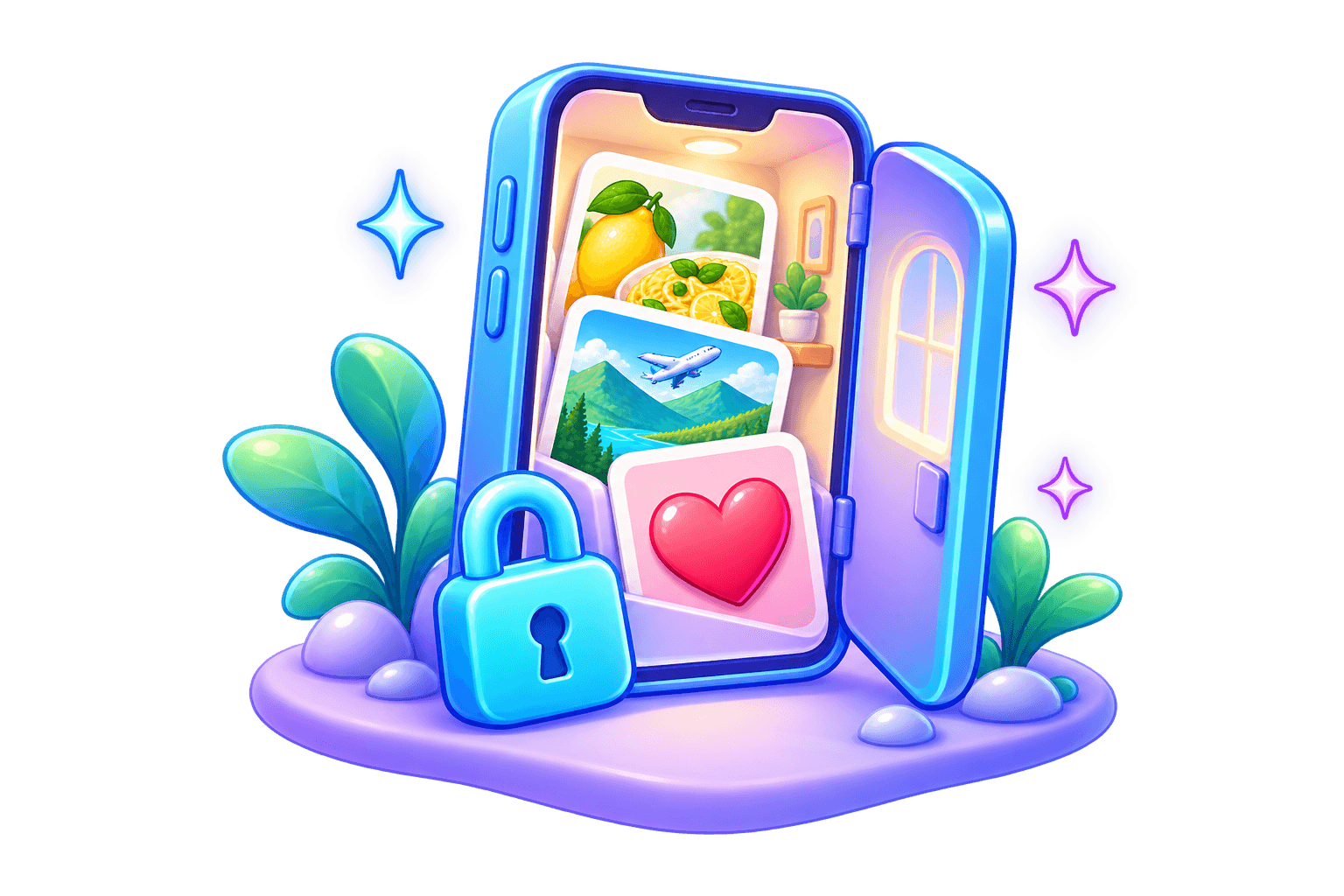
Home sweet phone.
Dinner plans. Dream trips. That wildly specific thing you might buy. Your screenshot library belongs on your phone.
Optional AI can send extracted text to a provider. Pro AI is still in development. See the privacy details for what stays local and what can leave your device.
The privacy details →Start with 50 screenshots, free. Give your whole collection a home with Pro.
Free
For the recipes, plans, and little things you want to find again.
50 saved screenshots
On-device text recognition
Text search and basic organization
No account or API key for core features
A useful place to start. No countdown.
$7.99 USD
One-time lifetime purchase
Target launch price · No subscription
Unlimited screenshots
AI summaries
Advanced AI organization
Favorites
✧ Smart collections in a future update
AI features are still in development. Final localized pricing will appear in your app store.
Coming soon to iPhone and Android.
Coming soonA few answers before you roll.
No. Images stay in your local library. Text recognition and basic organization happen on your device. Optional cloud enrichment in the iOS build sends only extracted text when you add your own provider key.
No. Import, text search, and basic categories work without an account or API key.
Coming soon to iPhone and Android. Store links appear in the Get LensRoll section as each app launches.
The free library holds up to 50 screenshots, with local text search and basic organization.
Pro is planned as a one-time lifetime purchase with a target launch price of $7.99 USD. The launch offering includes unlimited screenshots, AI summaries, advanced AI organization, and favorites. AI features are still in development. Smart collections are planned for a future update. No subscription; the final localized price will appear in your app store.
In Settings, tap Redeem code. That opens the App Store or Google Play redeem screen. After it lands, tap Restore purchases. The code follows the store account that redeemed it. It does not unlock the other phone.
Apple Family Sharing is planned for the iPhone purchase. Google Play Family Library does not share in-app purchases. A purchase on one store does not include Pro on the other.
No. Deleting from LensRoll removes its local copy and saved information. The original in your photo library stays there.
Still curious? Ask us a question →
Coming soon to iPhone and Android.
Store links will appear here as each app launches. No waitlist required.
